Audio
A USB microphone
The first thing worth buying. USB plugs straight into your computer, with no mixer or audio interface to learn.
Shop USB microphonesYou can start with the phone and computer you already own. Fix your sound first, then your light, then your camera.
As an Amazon Associate we earn from qualifying purchases. Shop buttons open Amazon search results, so check the reviews, compatibility and price before you buy. We haven't tested these products ourselves.
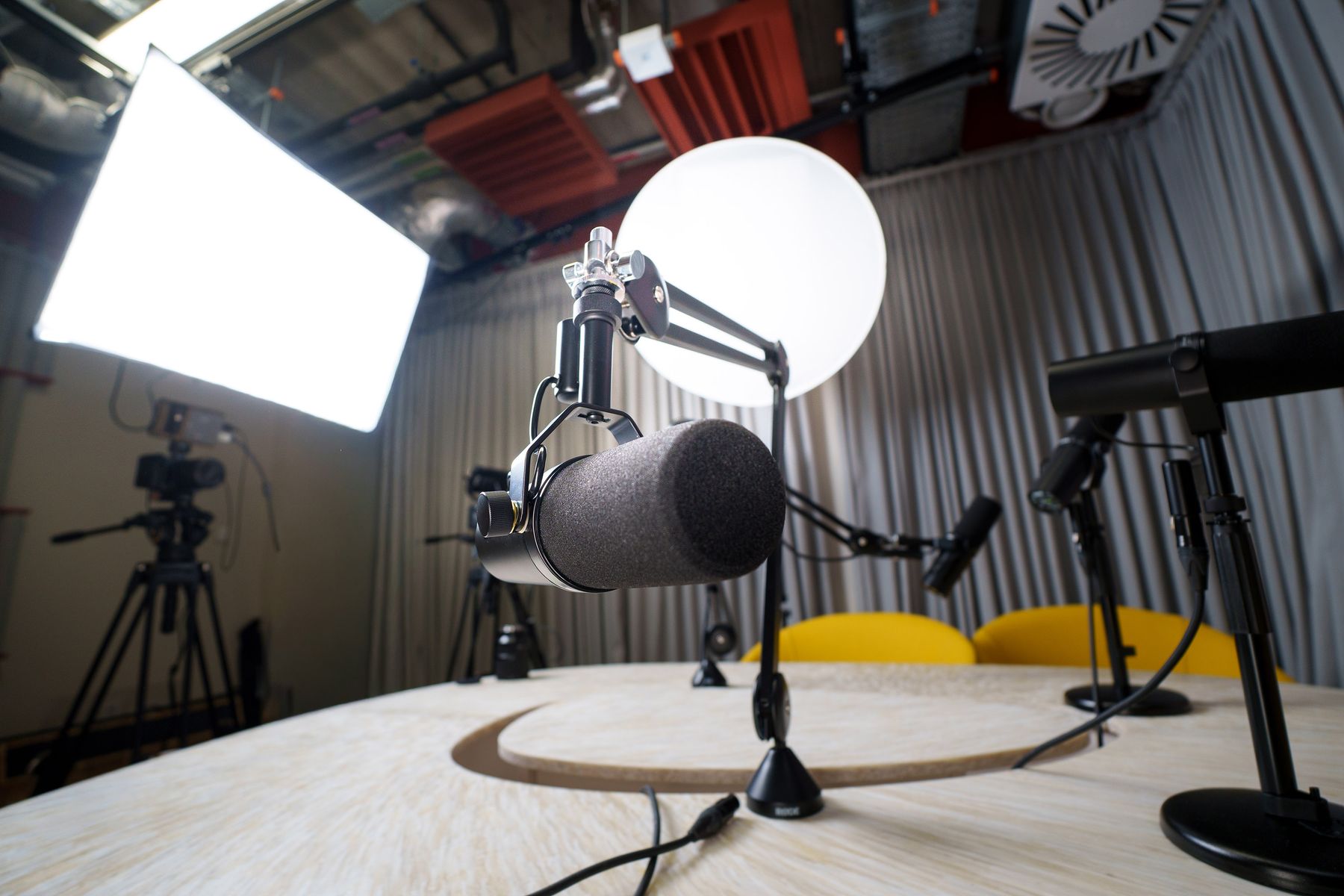
Audio
The first thing worth buying. USB plugs straight into your computer, with no mixer or audio interface to learn.
Shop USB microphonesAudio
A boom arm gets the mic close to your mouth and off the desk, so it picks up less typing and thumping.
Shop boom armsLight
Place it in front of you, a little above eye level. Good light often improves a picture more than a new camera.
Shop key lightsVideo
Worth it once your phone setup gets annoying. Clip it at eye level or slightly above.
Shop webcamsVideo
If your phone is your camera, a steady mount is the only part you need to buy.
Shop phone mountsConsole
You need one to stream from a console through a computer. Check that it supports your console's output.
Shop capture cardsNetwork
A wired connection is one of the cheapest ways to reduce dropped frames from unstable Wi-Fi.
Shop Ethernet cablesExtras
Nice to have, not necessary. Hotkeys in your streaming software do the same job for free.
Shop stream controllersAll three of these are free to start. You only need one streaming app.
Free
Free and open source, on Windows, Mac and Linux. It takes more setup, and it's what most guides explain.
Go to OBSFree
Built with alerts and overlays ready to use, so it can be quicker to get started. Some features are paid.
Go to StreamlabsPhone
Uses your phone as a webcam over USB or Wi-Fi, so you can try camera angles before buying anything.
Go to Iriun